01 Step 1 of 9
Switch on
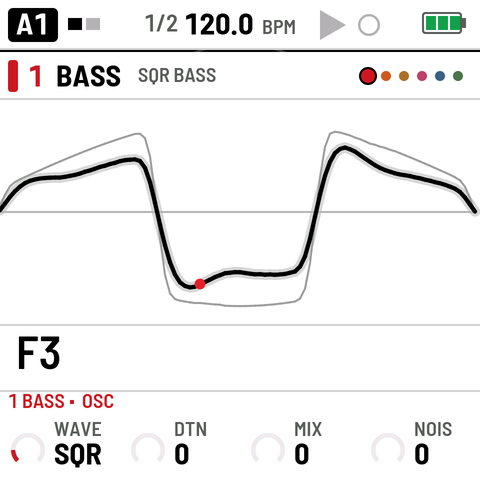
Switch the FM-1 on: the logo draws itself in, then PLAY shows channel 1. Press any key to skip the animation.
- the screen
Nine steps, from switching on to a song in order. The drawing lights what to press; the screen shows what you get.
Switch the FM-1 on: the logo draws itself in, then PLAY shows channel 1. Press any key to skip the animation.
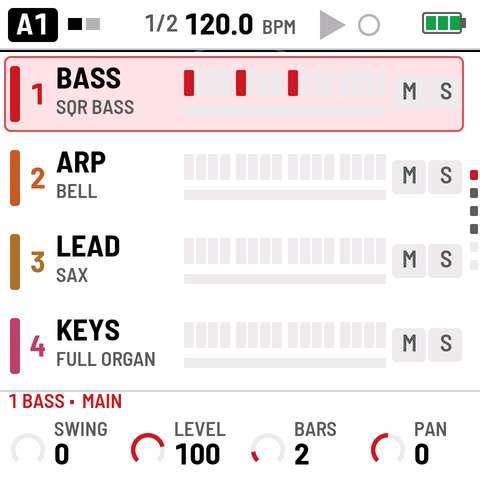
Turn ALGORITHM to pick one of the six channels, then play the keys. PLAY draws the sound you play as a moving wave, and names the notes under it.
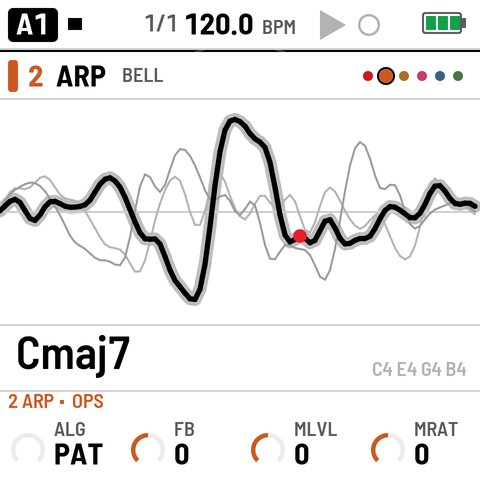
Turn PRESETS for another sound, from every instrument. KNOB 1–4 shape it as you play: the picture moves with them.
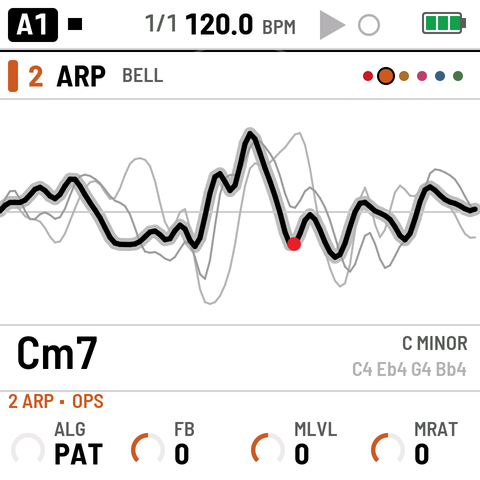
Hold SEL and press a key to set the root; tap SEL and turn SCALE, KEYS (WHITE) and CHORD. Now one finger plays a chord in key, named on the screen.
Tap REC: the first note you play starts the loop, and REC again stops recording. SHIFT + REC switches OVERDUB (add) and REPLACE (a new take).
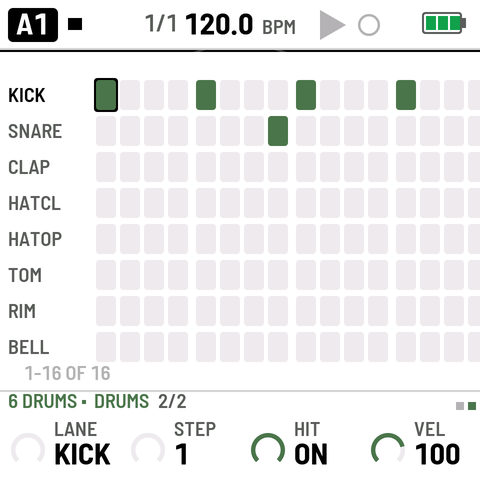
Channel 6 is the drum kit. Hold SEQ and press keys to set steps, then PLAY.
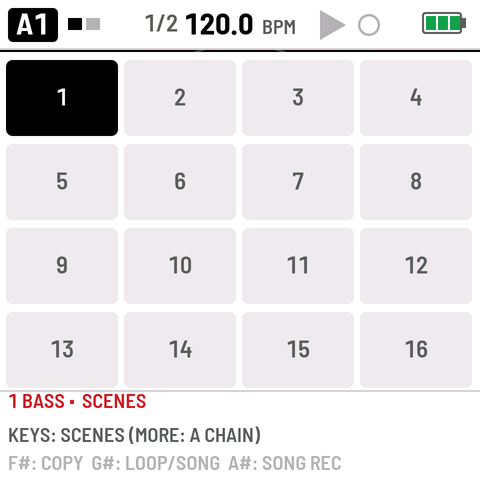
Hold SAVE and press a key to launch that scene at the next bar. Hold the key for a second to store what plays now into it.
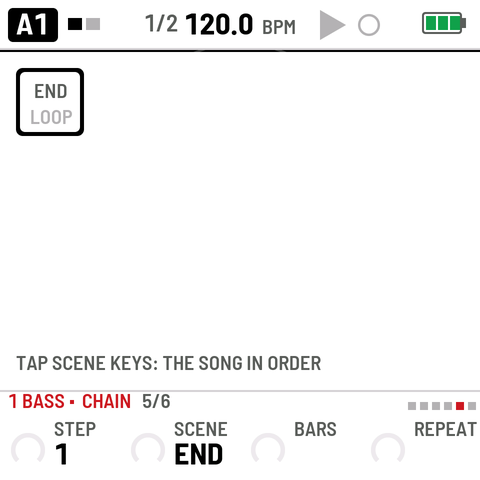
Tap SAVE, turn SELECT to CHAIN, and tap scene keys in the order the song goes: A1 A2 A2 A1 A3. PLAY plays it in that order.
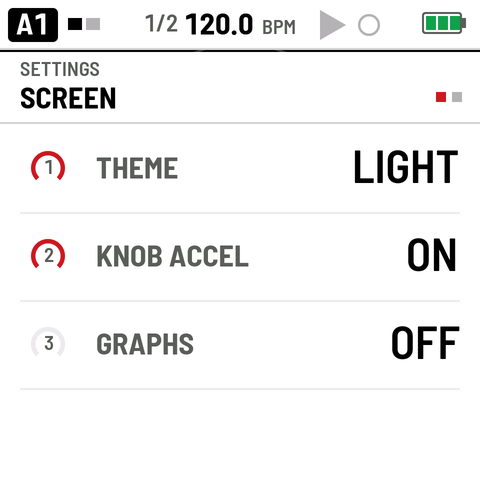
Hold HOME for SETTINGS: the screen, lights, audio, MIDI and more. Turn SELECT for the pages, and hold HOME again to go back.
Every button, page and setting, with the full walk through scales and chords.