The screens
Clear on a small screen.
Real screens from the firmware, in both themes. PLAY is home; while you play or record, the screen shows LOOP, and SHIFT + HOME switches between them.
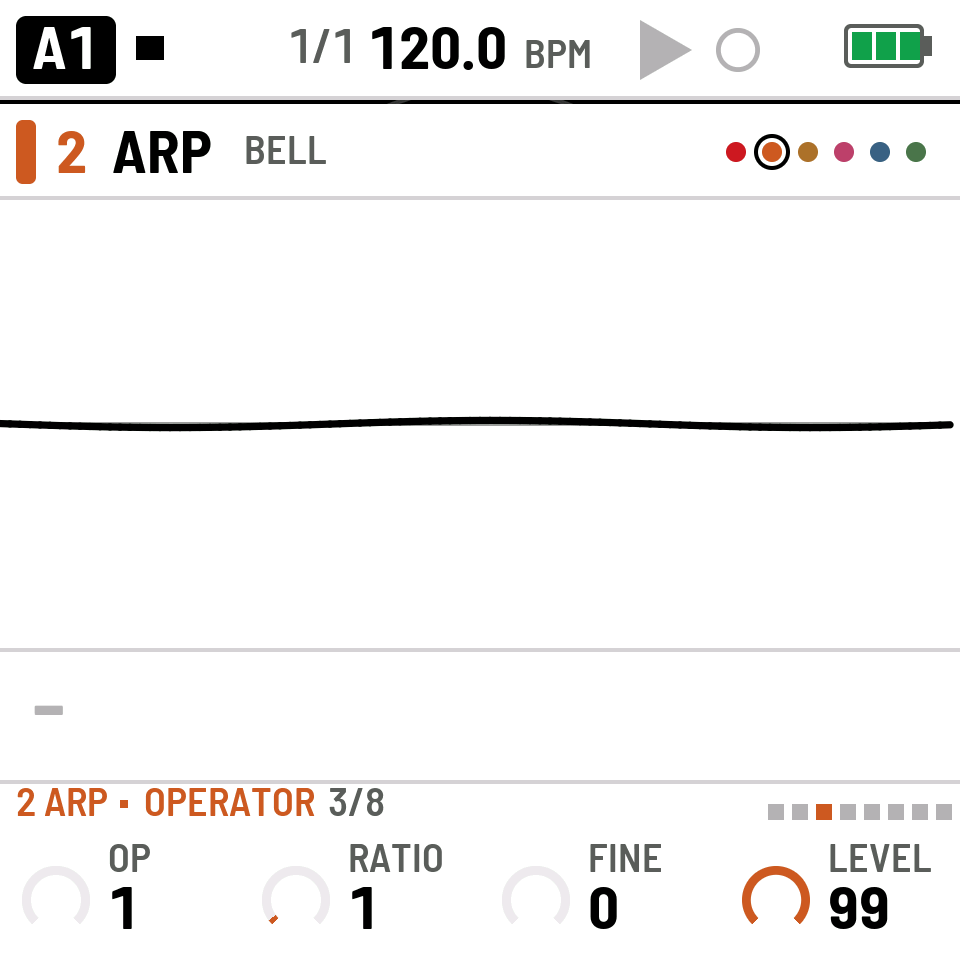
Turn the FM-1 into a six-channel groovebox. Built to be played, not configured.
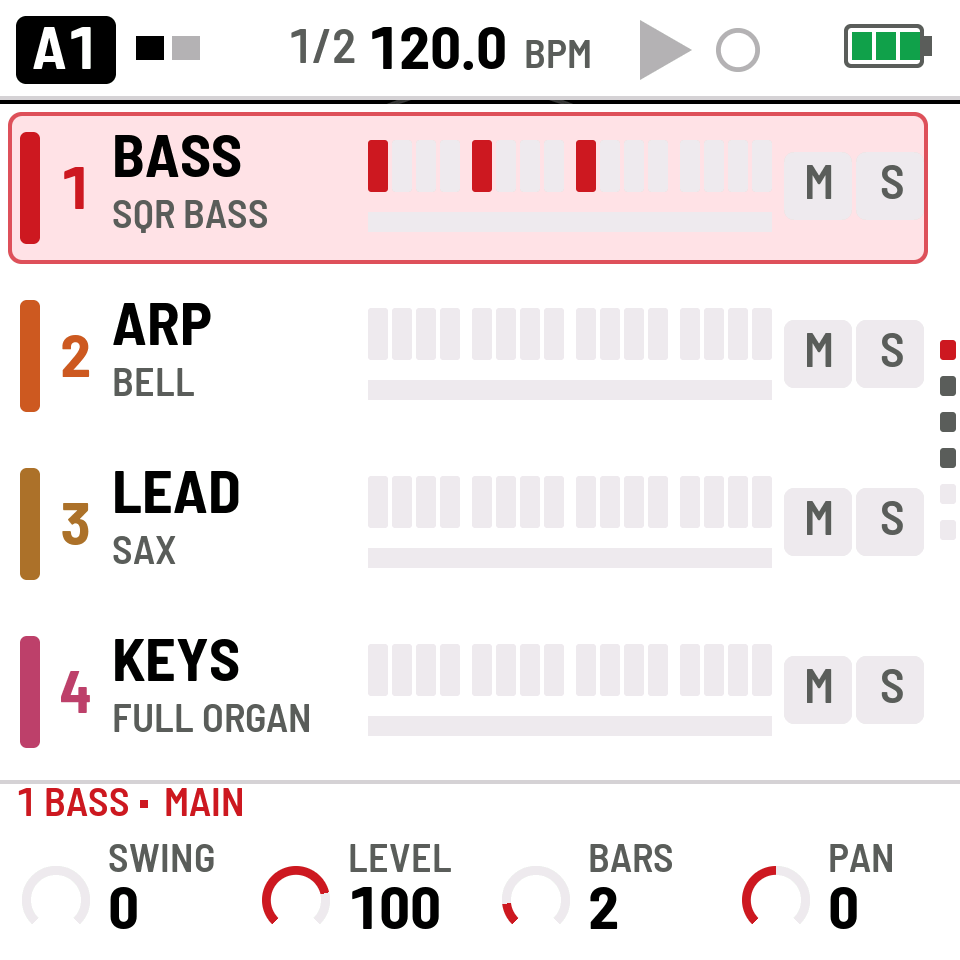
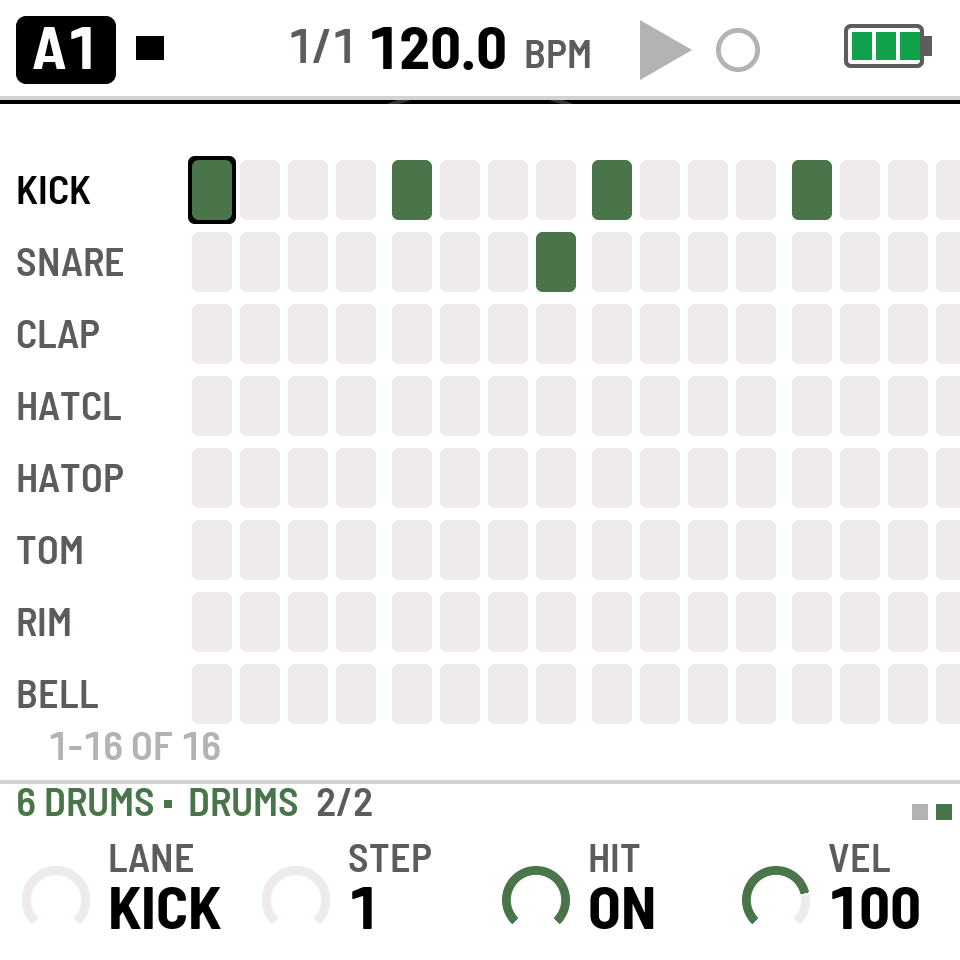
No fixed drum track. Any channel can be a synth, a drum kit, a sampler or a MIDI output, and each one plays up to six notes at once.
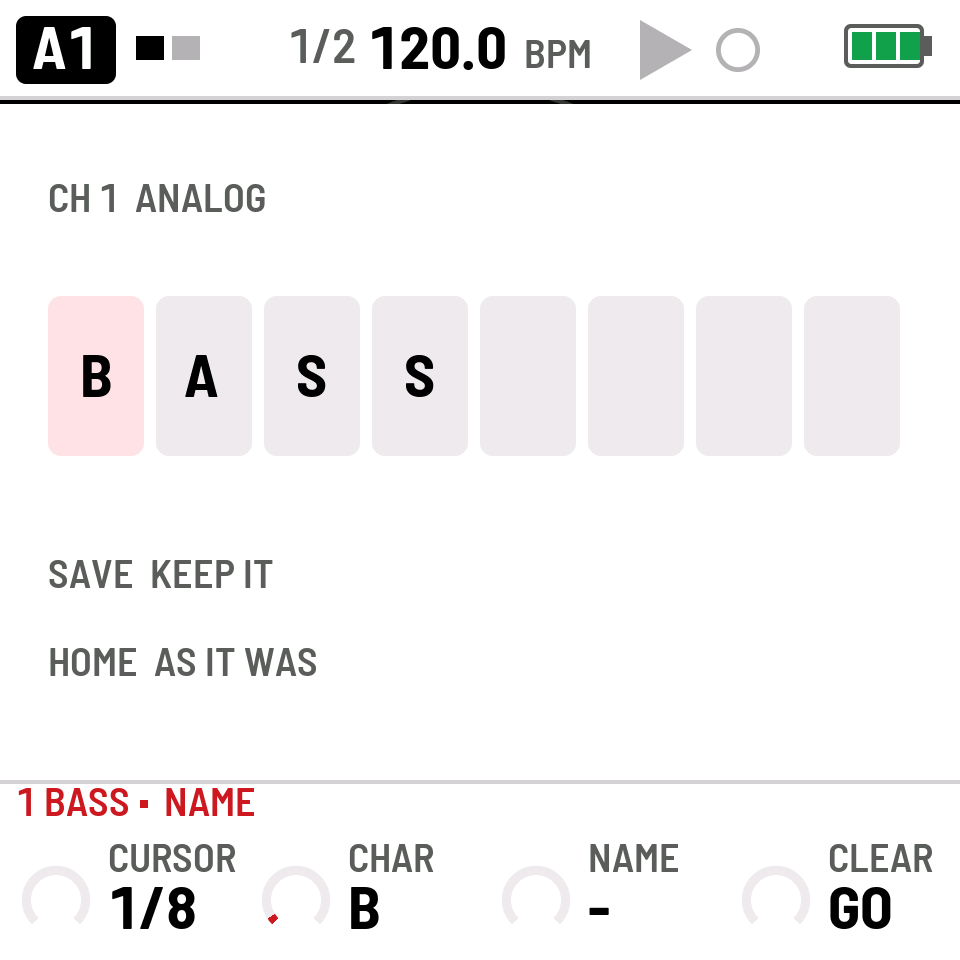
A song, named your way: SHIFT + SAVE renames any channel.
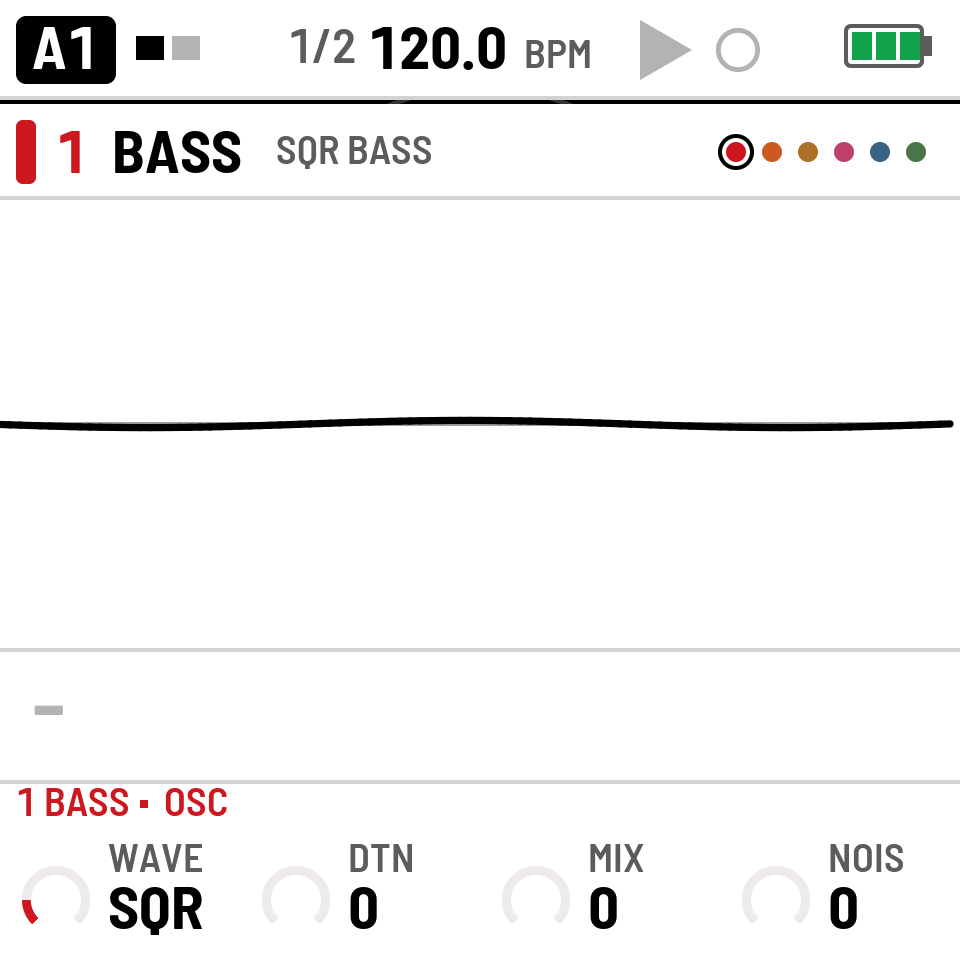
The sound wave of what you're playing, with the chord name under it. SHIFT + HOME switches to LOOP and back.
The four knobs always change what you see on the screen. No menus to dig through mid-song.
Pick a channel, pick a sound. From analog, FM and supersaw stacks to granular, physical models, samples and drums.
Stopped, REC waits for your first note; playing, it records at once. While you play or record, the screen shows LOOP: four channels and their steps, each pattern one to eight bars long.
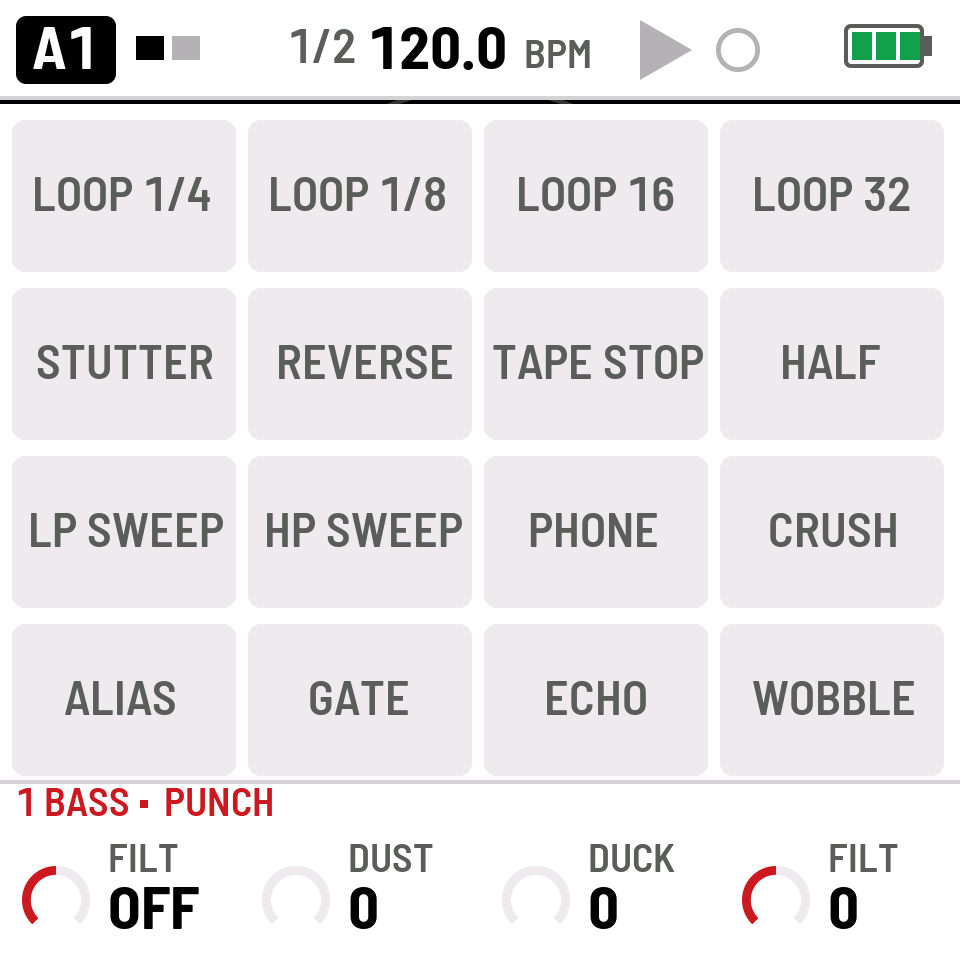
Hold FX and the keys become 27 punch-in effects, from loop repeats and filter sweeps to EQ kills, while the pattern keeps playing.
Put patterns together in scenes and launch them live with SAVE and a key. Chain scenes into songs, and keep eight songs on the FM-1. SHIFT + SAVE gives a channel its own name.
Real screens from the firmware, in both themes. PLAY is home; while you play or record, the screen shows LOOP, and SHIFT + HOME switches between them.
nullwave fm1 builds on ideas from other FM-1 projects, with one goal: make the FM-1 simpler to play.
Connect the FM-1 over USB and install from Chrome or Edge. Back it up with M-Flasher first; later versions install over the top and keep your songs.
Open the installer →Shape sounds and songs on a big screen, then send them to the keyboard.
Coming laterWorks in Chrome or Edge. Try it first in the emulator, or read the manual.